
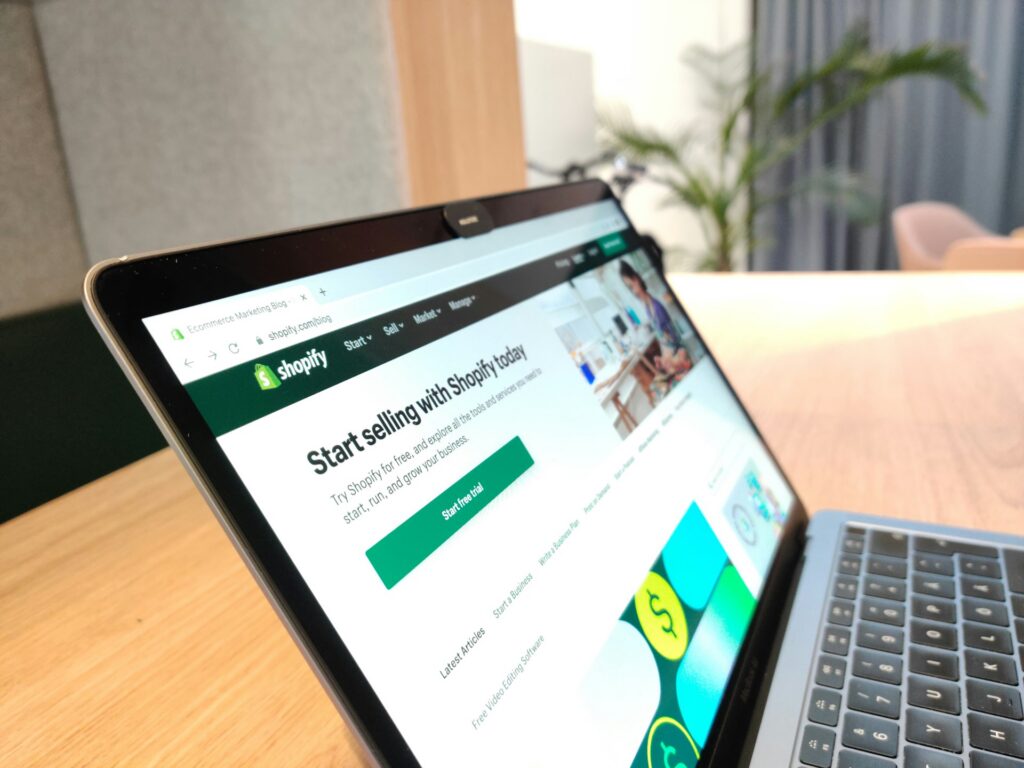
Shopify is good for SEO because it handles a lot of the technical work for you. Your store comes with a sitemap that helps Google locate your pages and classify your content. Shopify also takes care of website security and uses canonical tags to help Google find your most authoritative content.
There are many ways to optimize your content on Shopify, as well. You can optimize features like page titles, meta descriptions, and image alt text right from your dashboard. However, this platform does have a few limitations.
What Can’t You Fully Control?
You don’t get a lot of wiggle room with permalinks. Product page URLs always contain /products/ and collection links always contain /collections/. Shopify doesn’t let you remove either one. Those parts stay in place even if you’d prefer a shorter address.
Shopify also runs the servers and controls some of the code behind your store. A developer can change your theme and fix many technical problems, but some settings still remain off-limits.
How to Optimize Your Content on Shopify
Start with the searches your customers make. First, check your Google Search Console to see which searches lead people to your store.
Let’s say you’re an athletic gear retailer. Someone searching for “women’s running shoes size 8” isn’t just looking for that particular size. They probably want to compare prices and styles. To optimize for this type of search, make a collection page that lists and compares all of your women’s running shoes across brands.
If a search like “how to choose running shoes” is leading customers to your site, create a buying guide. Explain how you select your inventory based on performance features like arch support, shock absorption, and comfort. If customers regularly ask how two products compare (Adidas vs. Nike, for example) a buying guide that answers those questions could lead them to place an order.
How to Improve Your Technical SEO on Shopify
If your Google Search Console shows that your pages appear at the top of results, but you’re not getting many clicks, you might be using the wrong keywords. Read through your product titles and descriptions. Do they match the terms your customers would search for?
Next, check your site’s load speed. A high bounce rate could indicate that your site is frustratingly slow. Check for things like oversized images or outdated apps or plugins that make your store take longer to load. And since most people shop on their phones, test your site on several devices to make sure it’s optimized for mobile.
You don’t have to tackle all of these at once. Start with the pages that get the most visitors and work your way through the rest of your store.
Want More Traffic on Your Shopify Website?
If you want to make Google’s algorithms work in your favor, you need an SEO expert to analyze your site. Contact New Wine Digital to request a site audit, and we’ll tell you exactly what you can do to improve your rankings and get more clicks. We’ll dive into the details and figure out whether it’s a technical problem or issues with your content, keywords, or layout.
Don’t let your business suffer because customers can’t find your products when they search. Reach out to schedule a consultation today.
Photo by hookle.app on Unsplash used with permission under the Creative Commons license for commercial use 10/27/2026